
Agents
Ask an agent
The chat on the left is where you talk to your agents. Ask a question, give a task, or ask about something on the screen.
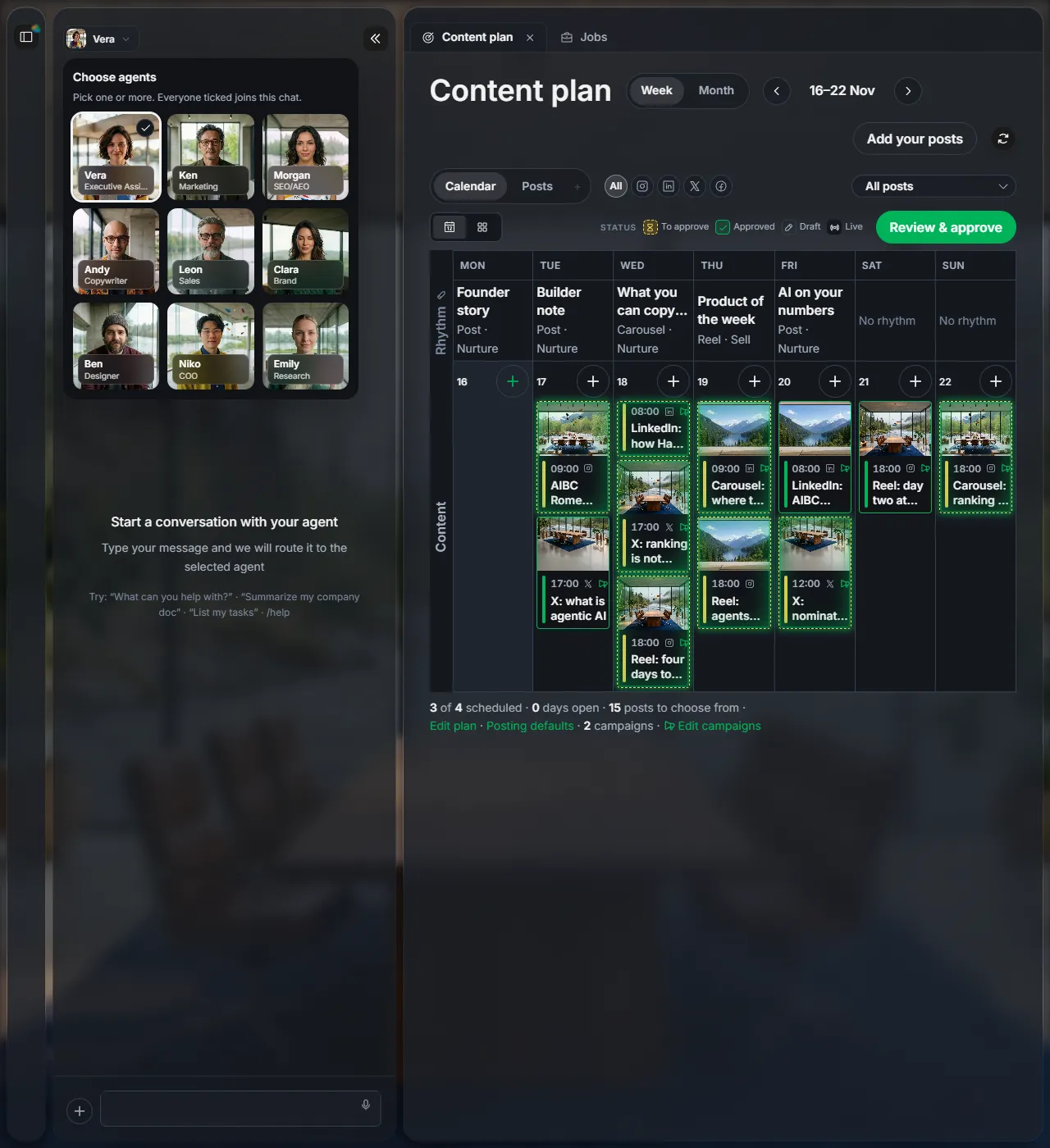
1Pick who you talk to
Click the agent name at the top of the chat. Tick one or more: everyone ticked joins the chat.
| Vera | Your assistant. Start here when you are not sure who to ask. |
| Ken | Marketing |
| Morgan | Search (SEO and AI answers) |
| Andy | Writing |
| Leon | Sales |
| Clara | Brand |
| Ben | Design |
| Niko | Operations |
| Emily | Research |
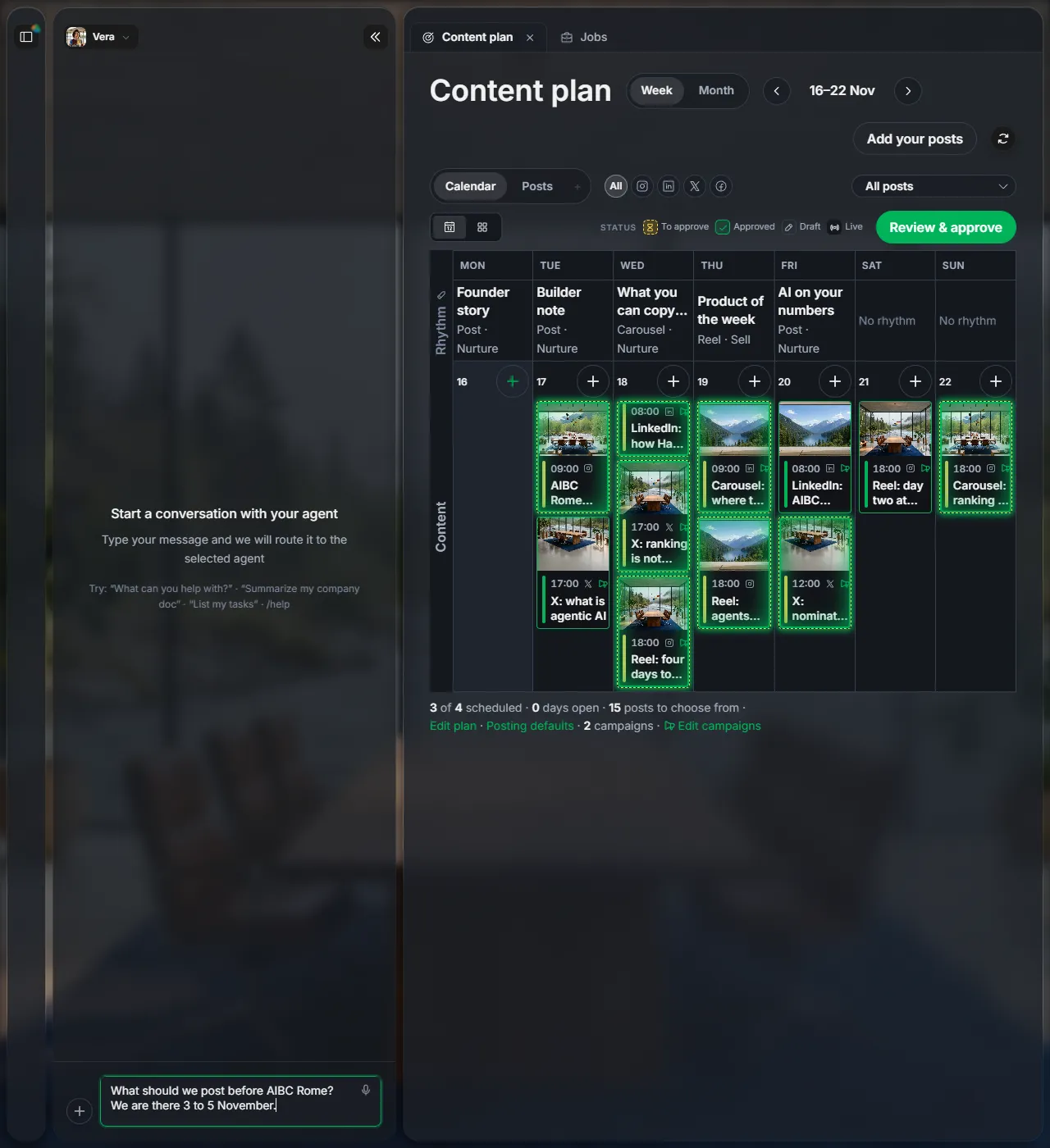
2Ask in your own words
Type in the box at the bottom and press Enter, or click the microphone and speak.
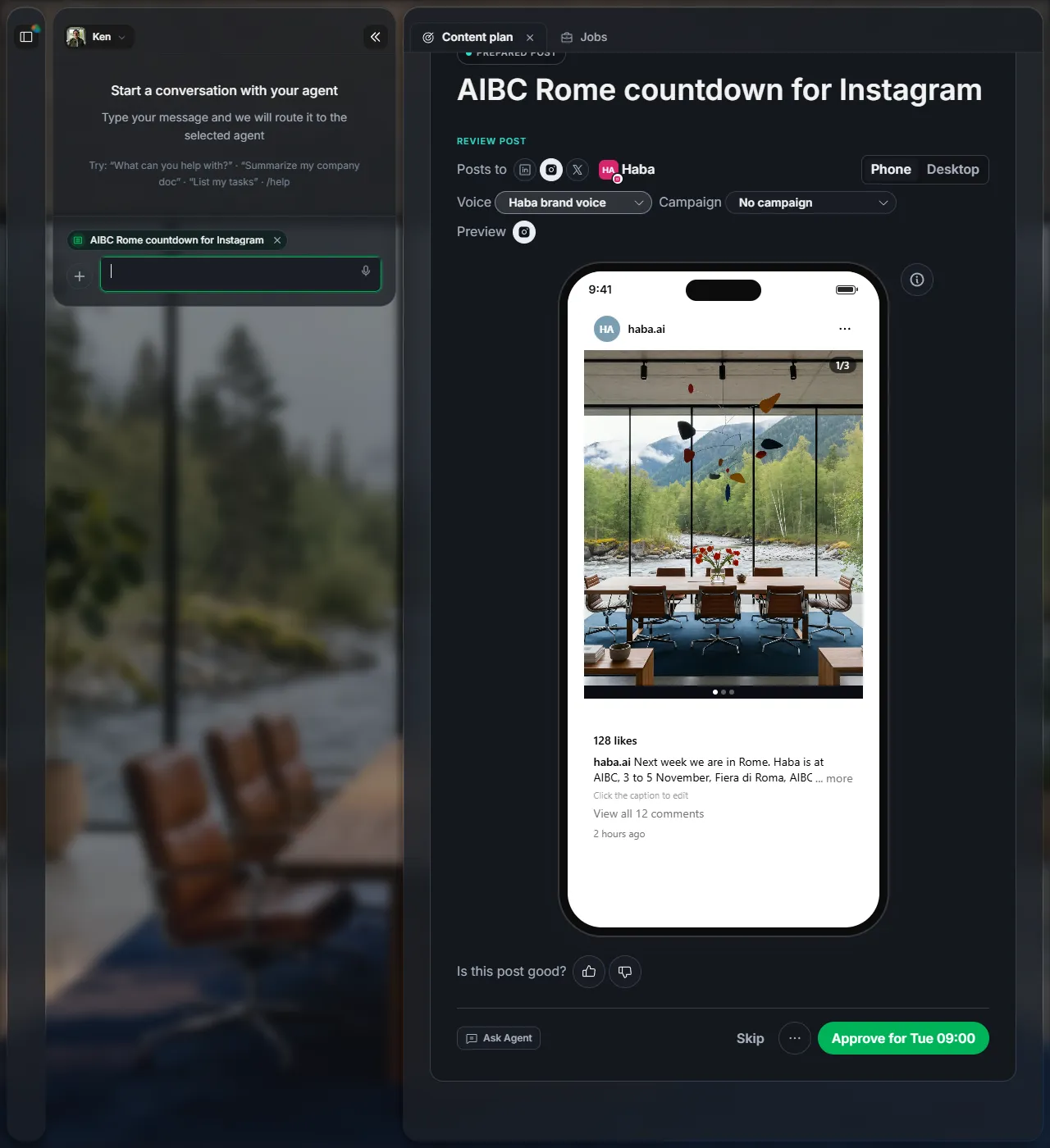
3Ask about something on the screen
Most cards have an Ask Agent button. It opens the chat with that card attached, so the agent knows what you mean.
Next
Did this page help?
Screens from 16 November 2026