
Content plan
Set your plan
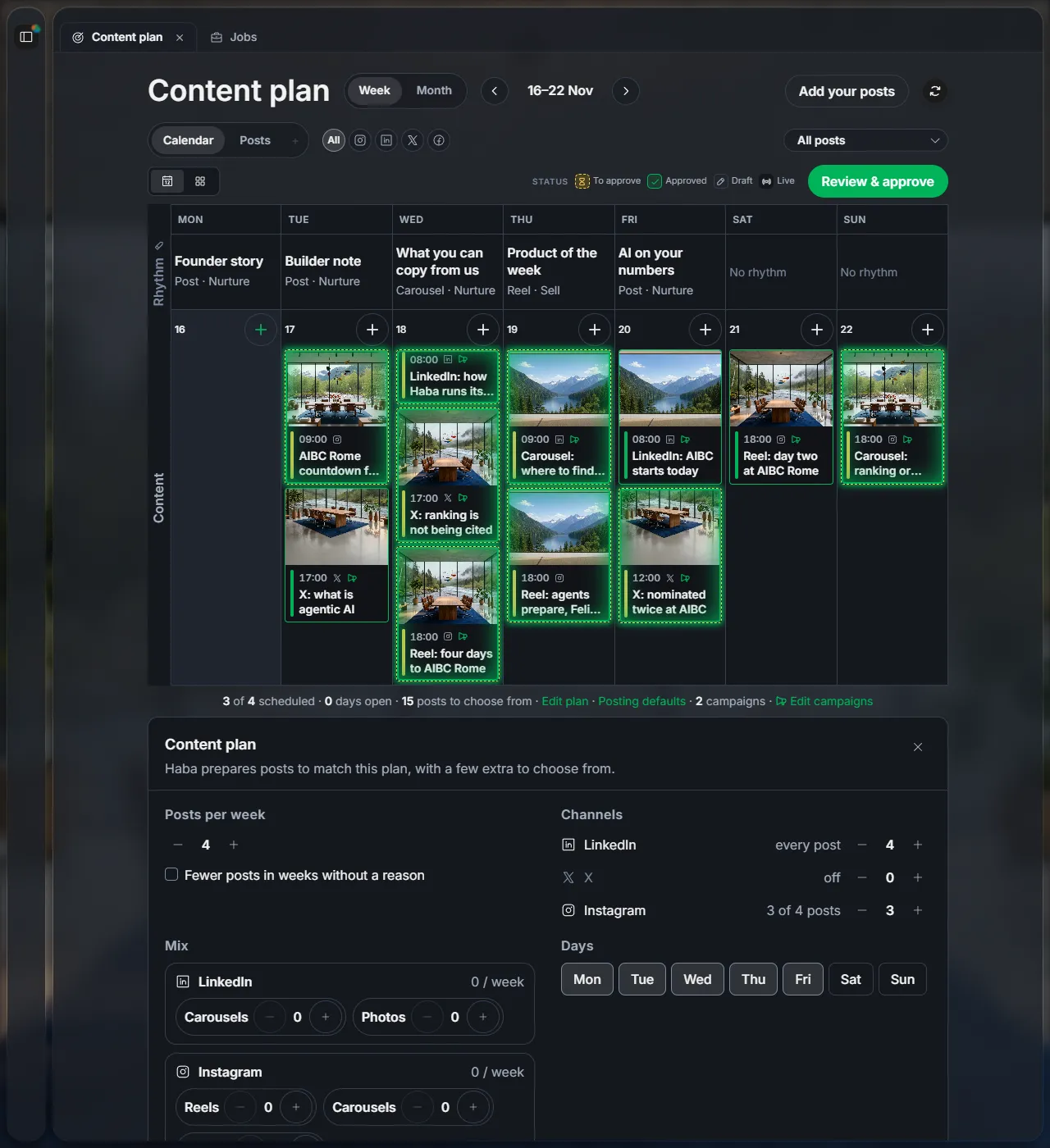
Tell Haba how many posts you want each week, where, on which days and when. Haba prepares posts to match, with a few extra to choose from.
1Open the plan
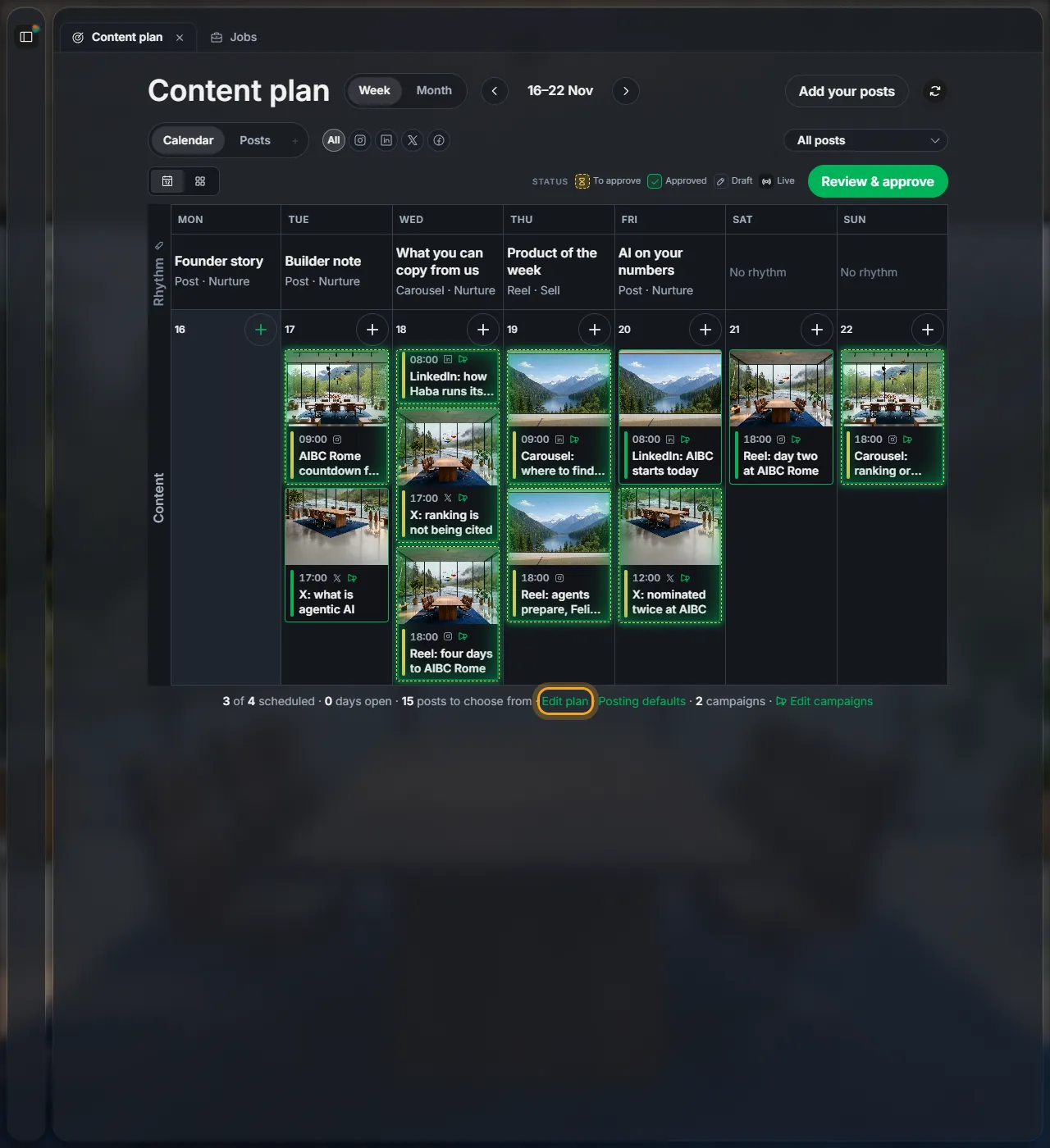
In Content plan, click Edit plan at the end of the line under the posts.
2Set your week
| Posts per week | How many posts you want in total. |
| Channels | How many of them go to each platform. "off" means none. |
| Days | The days posts go out. With more posts than days, some days get two. |
| Time | Haba picks the best time, or Fixed time and choose the hour. |
Click Save plan.
3See the whole week
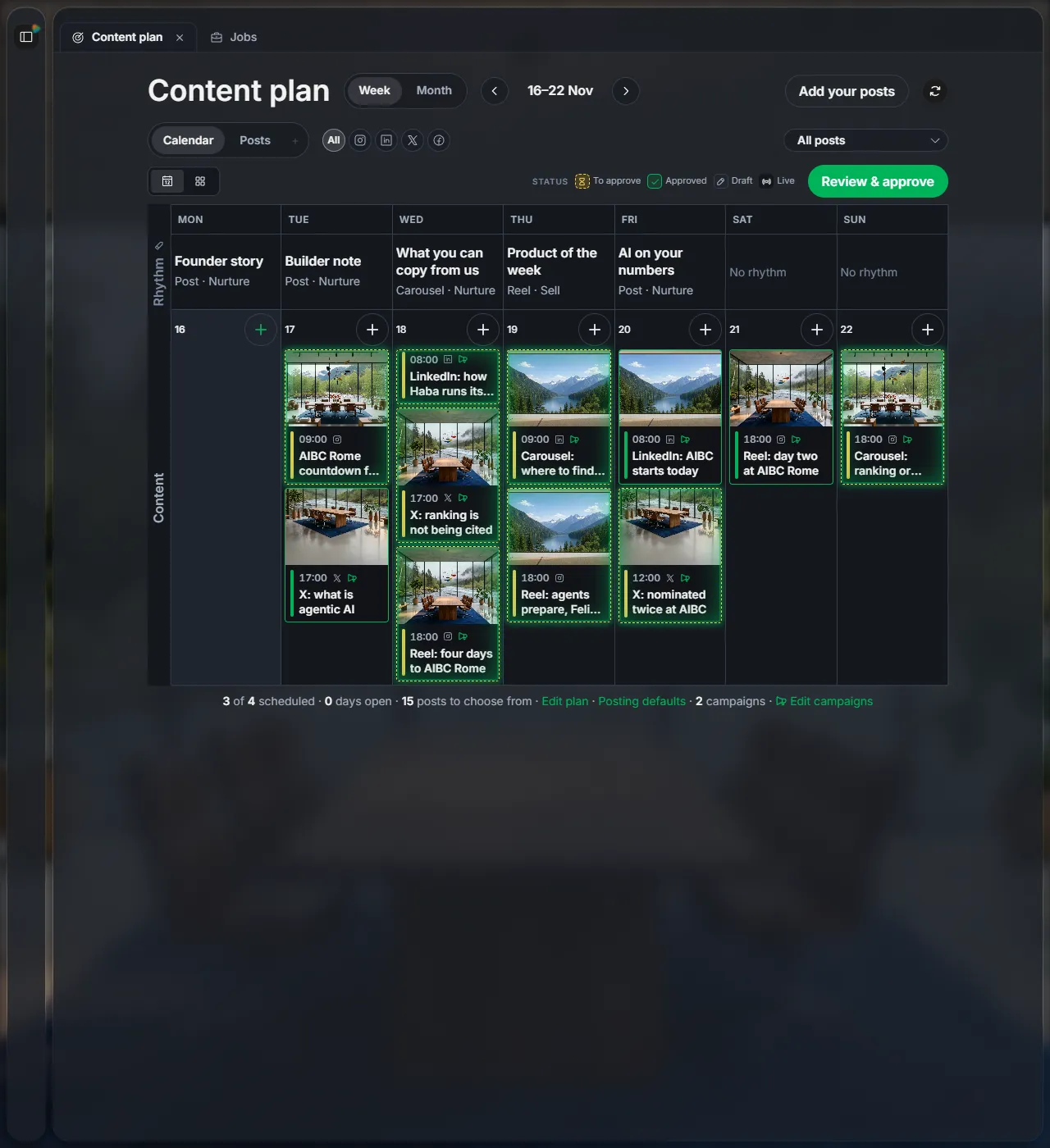
Click Calendar to see every post on its day. The colour shows where each one stands: to approve, approved, draft or live. Switch between Week and Month at the top.
Next
Did this page help?
Screens from 16 November 2026